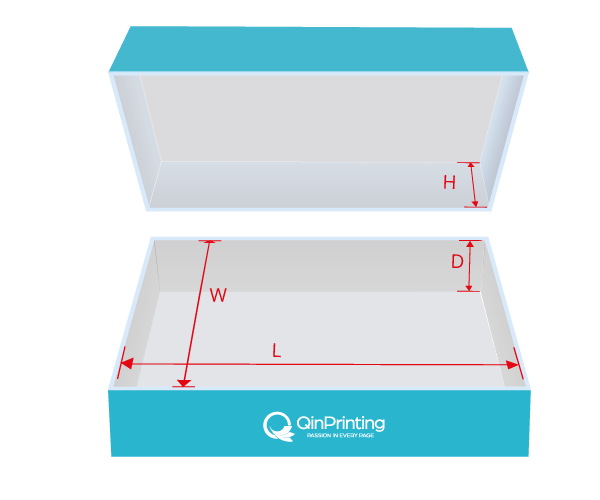
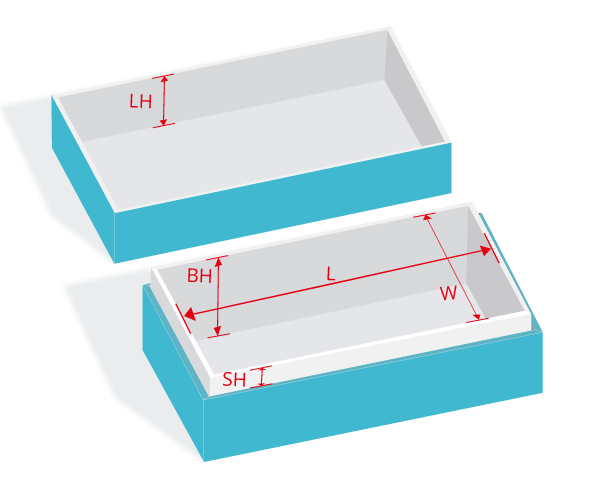
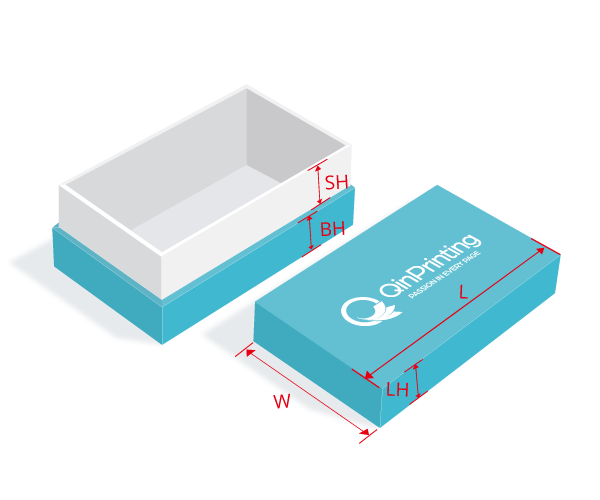
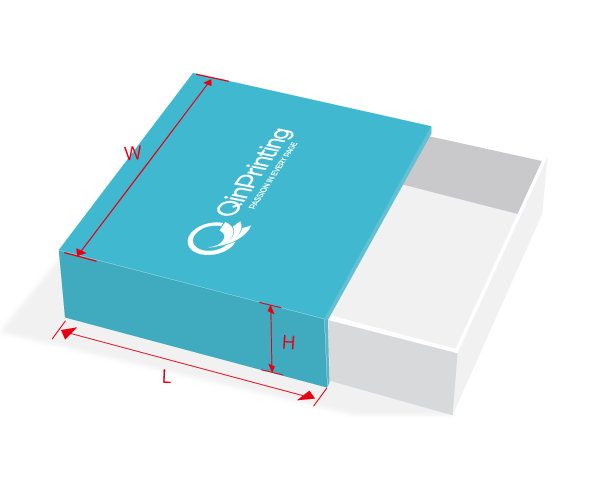
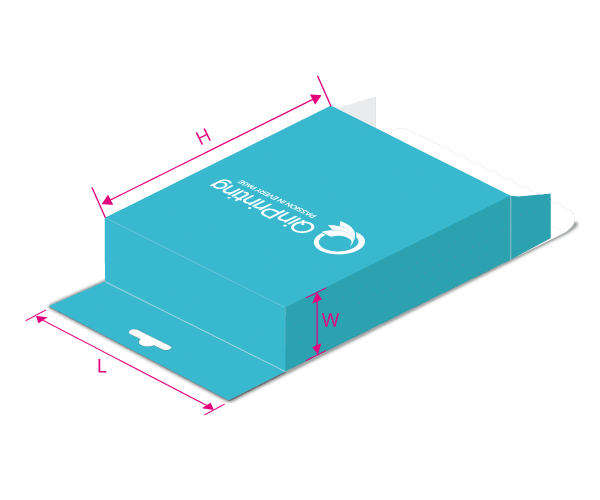
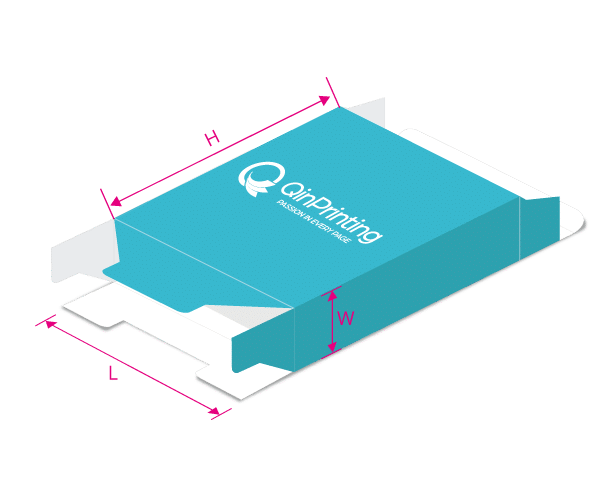
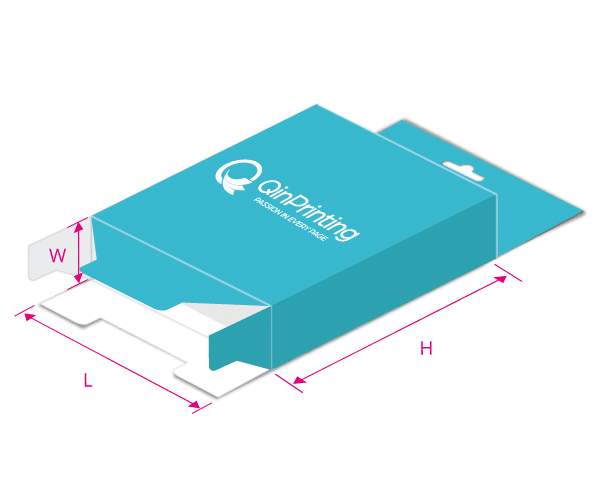
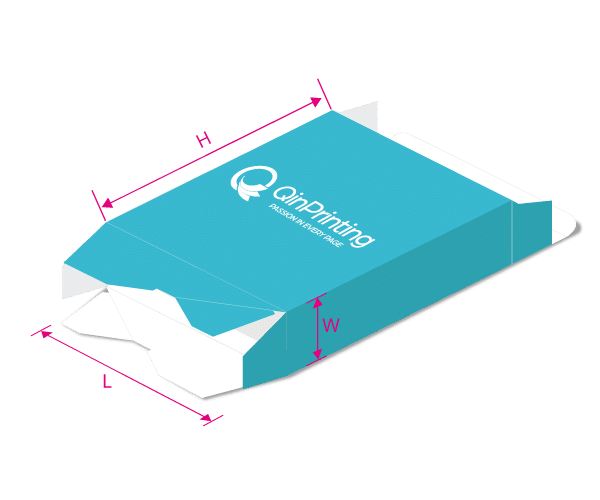
Box Dieline Generator & Free Custom Box Templates
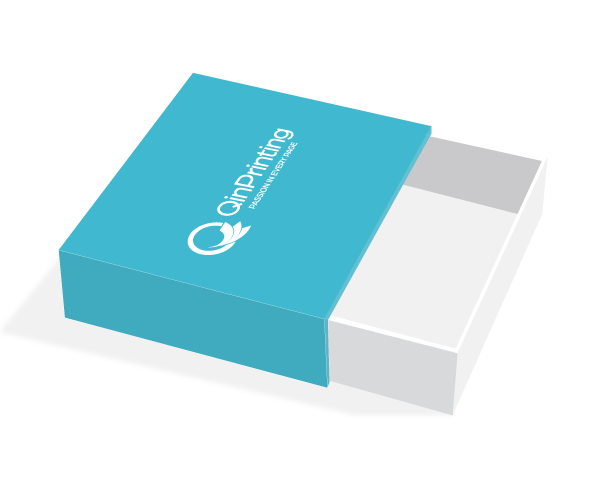
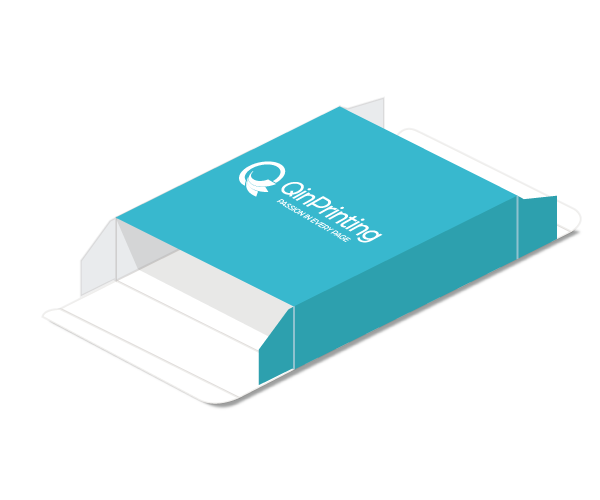
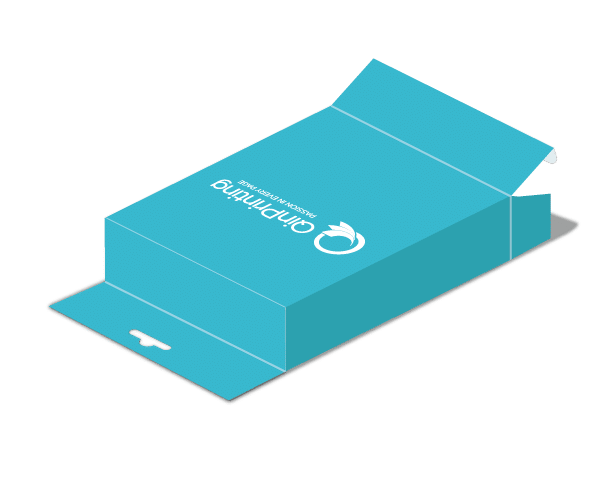
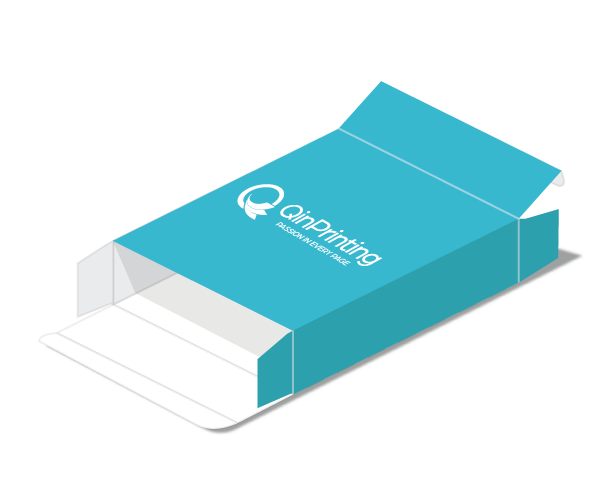
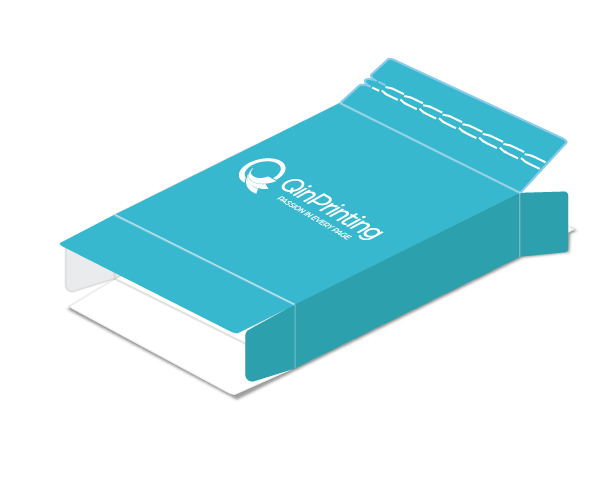
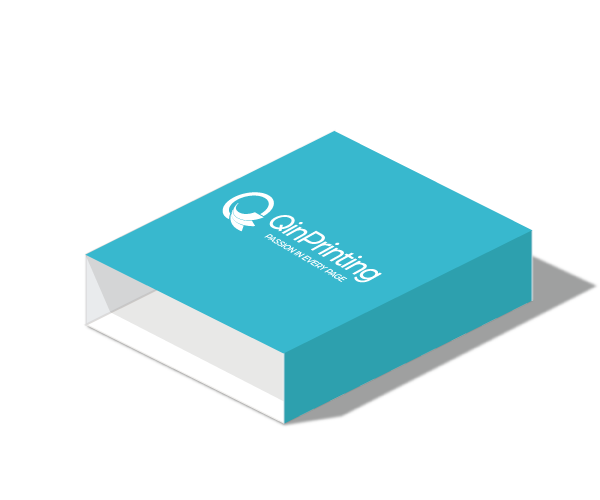
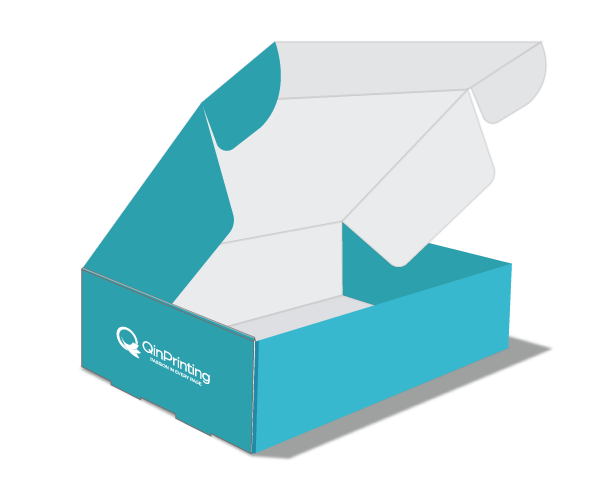
Welcome to QinPrinting’s free custom packaging tool. Whether you need a Rigid Box template or a Folding Carton template, our Box Dieline Generator allows you to create production-ready files in seconds.
Stop searching for fixed sizes. Simply input your dimensions, and instantly download a custom box template PDF.
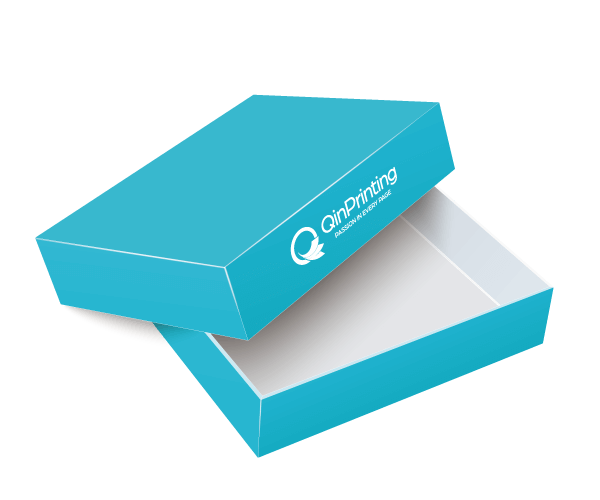
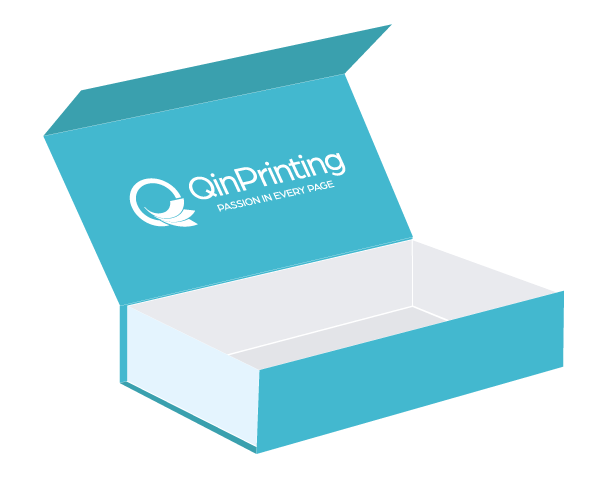
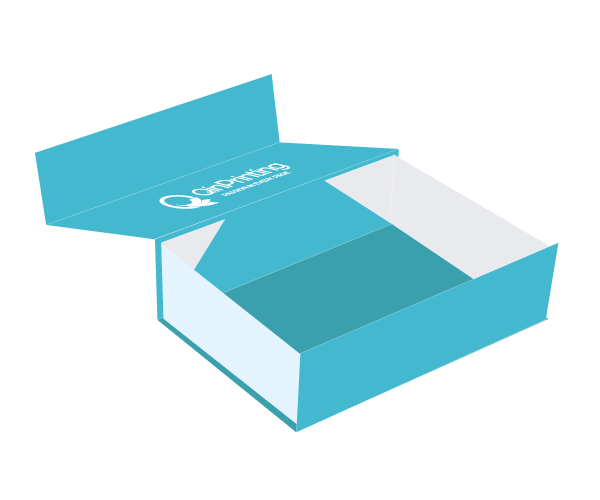
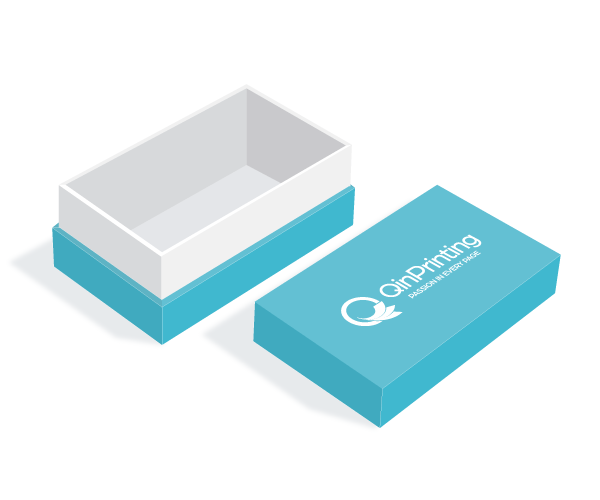
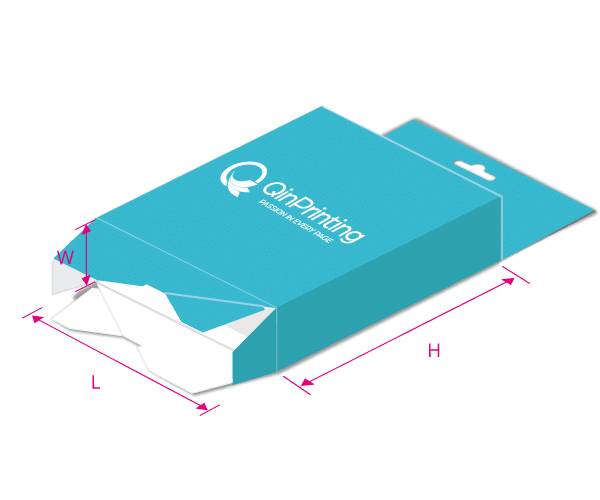
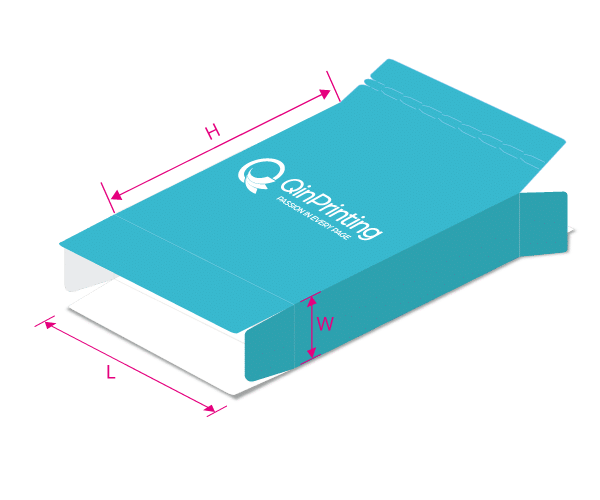
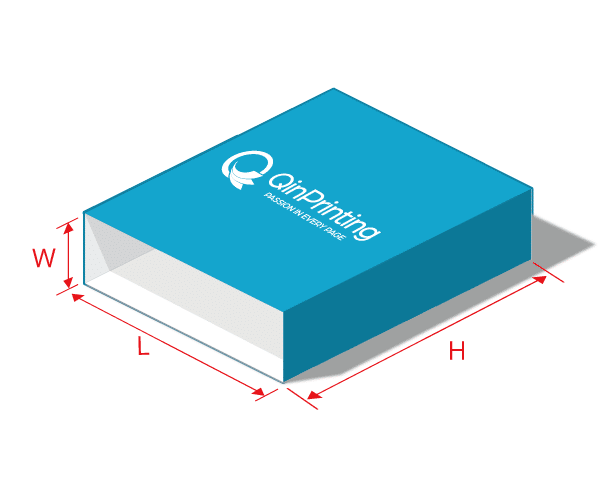
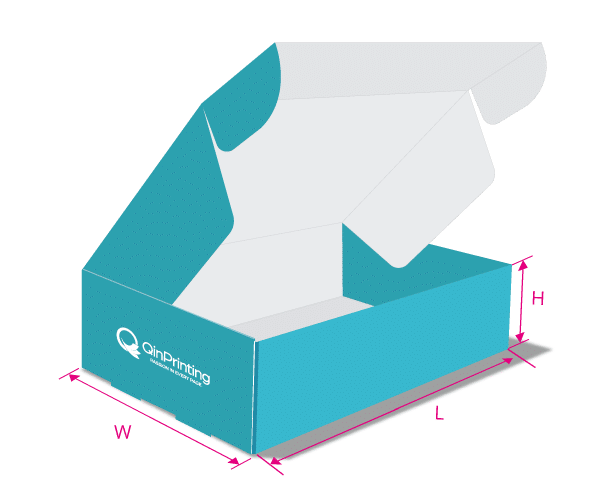
Choose Box Type
How to Generate & Download a Design Template
To get a custom dieline tailored to your product, follow these simple steps:
- Select Style: Choose the box style you need from the categories above.
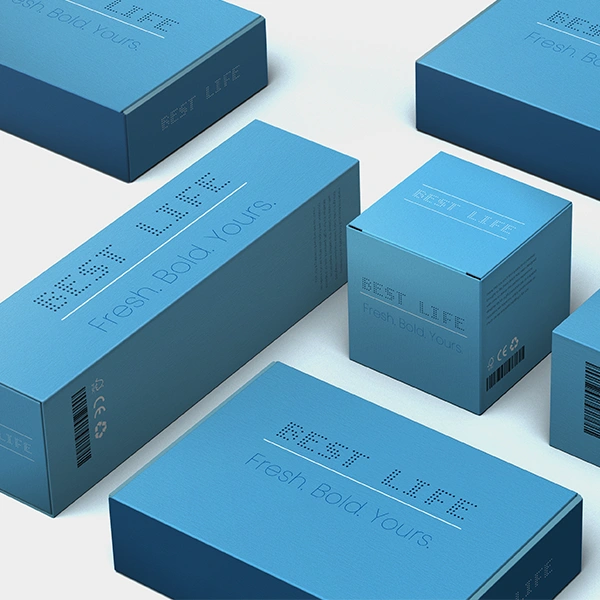
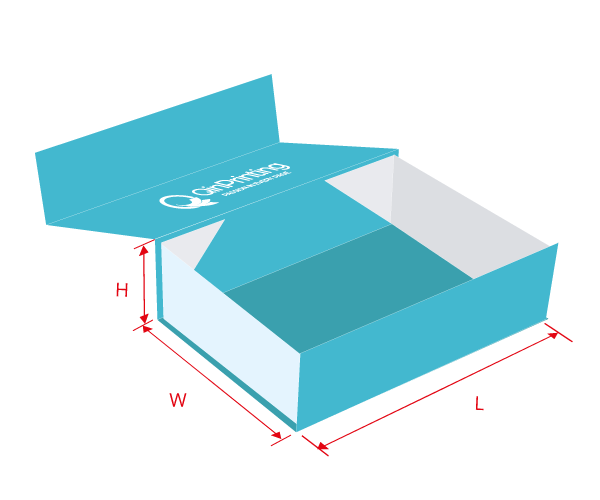
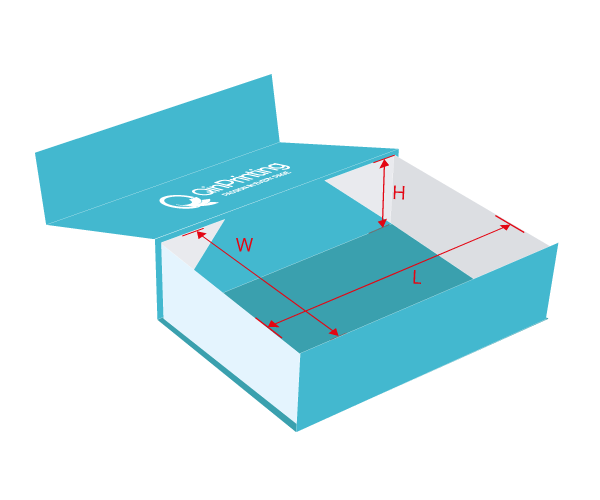
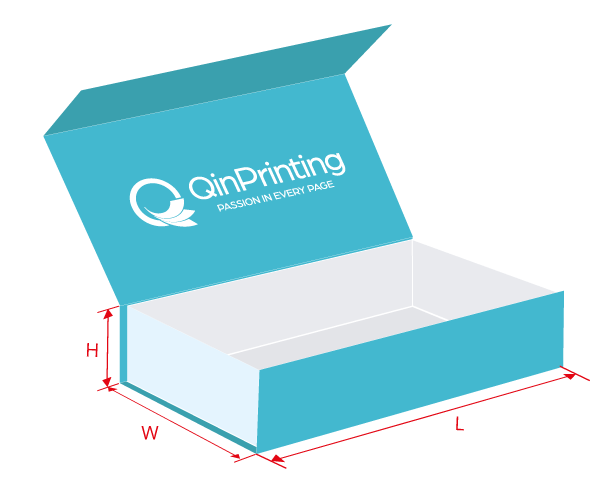
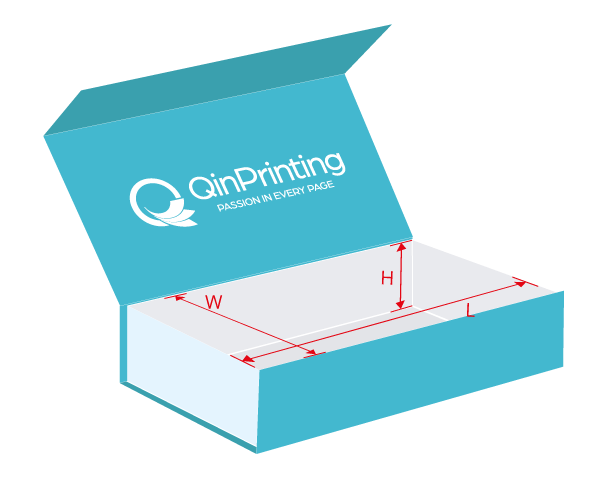
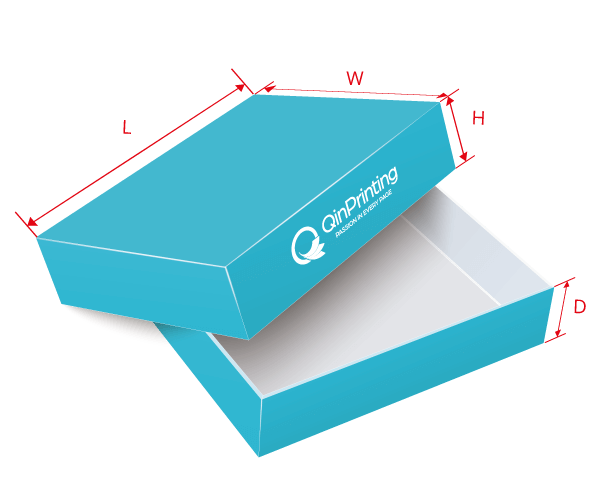
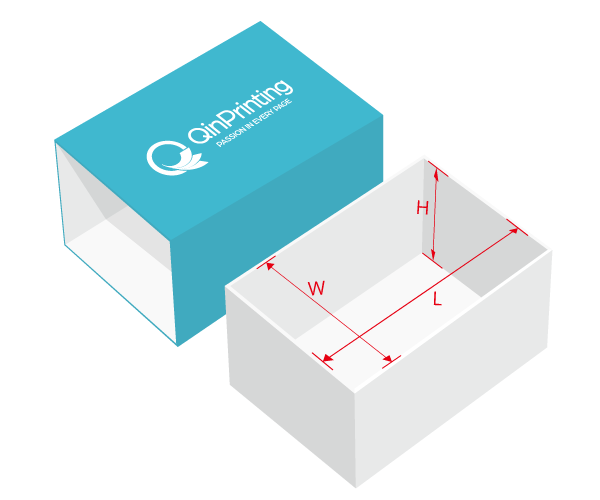
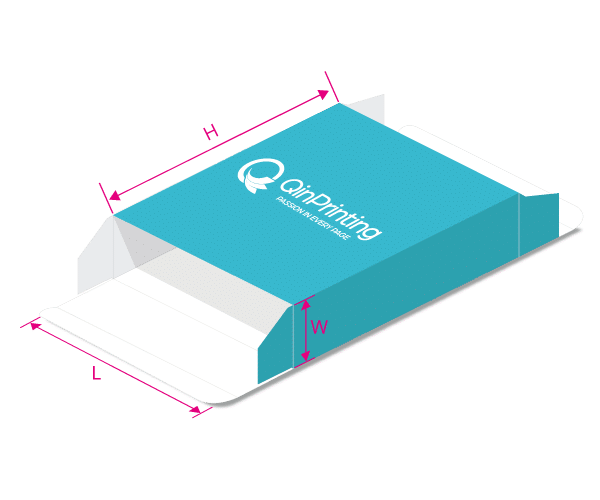
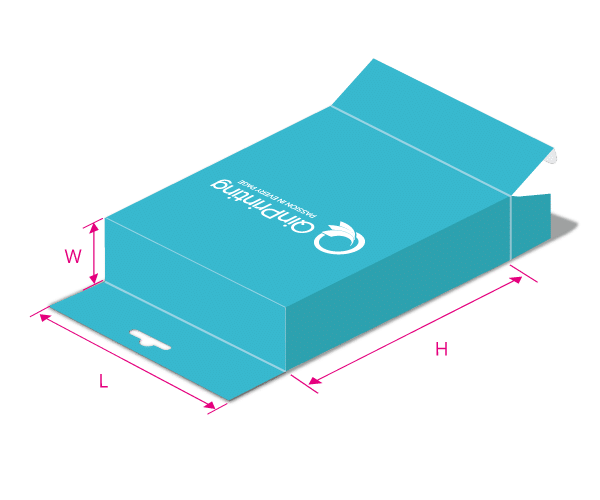
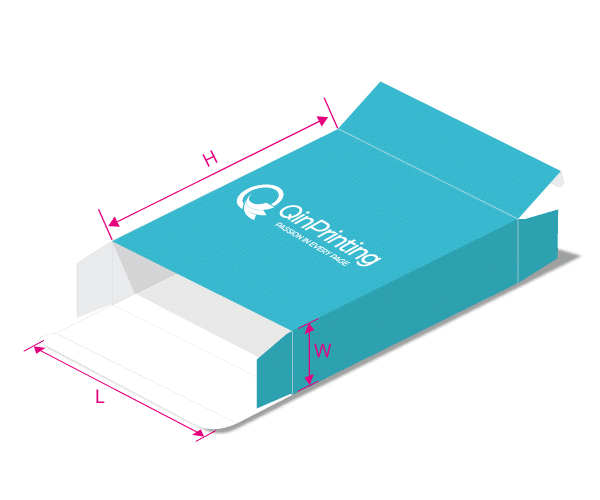
- Input Dimensions: Fill in the form with your exact Length, Width, and Height.
- Generate: Click the “Download Template” button.
- Save: The high-resolution PDF dieline will save directly to your computer.
Design Guidelines: How to Use Your Template
All our templates are generated in professional PDF format. To ensure a perfect print result, please follow these critical design rules:
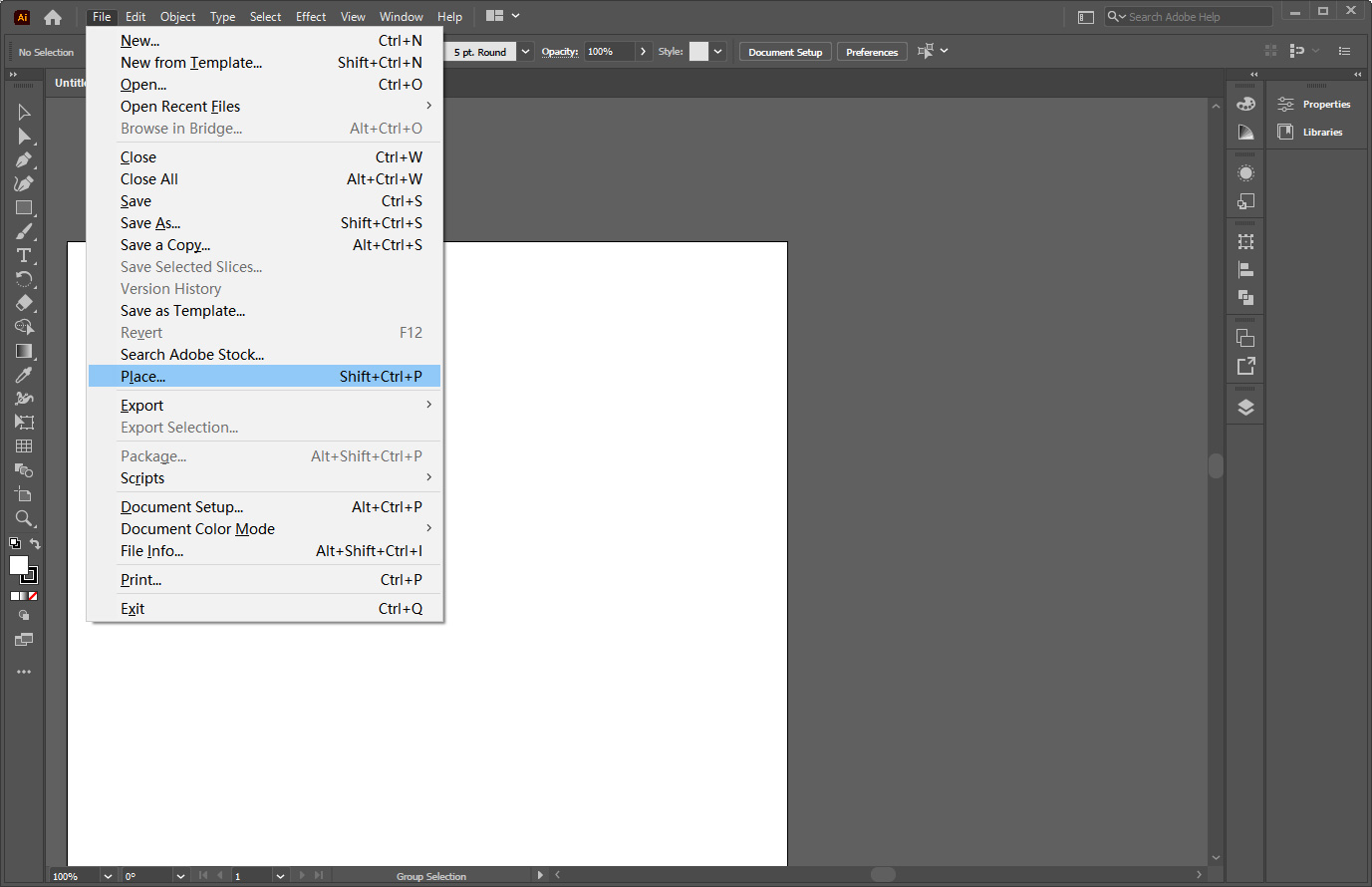
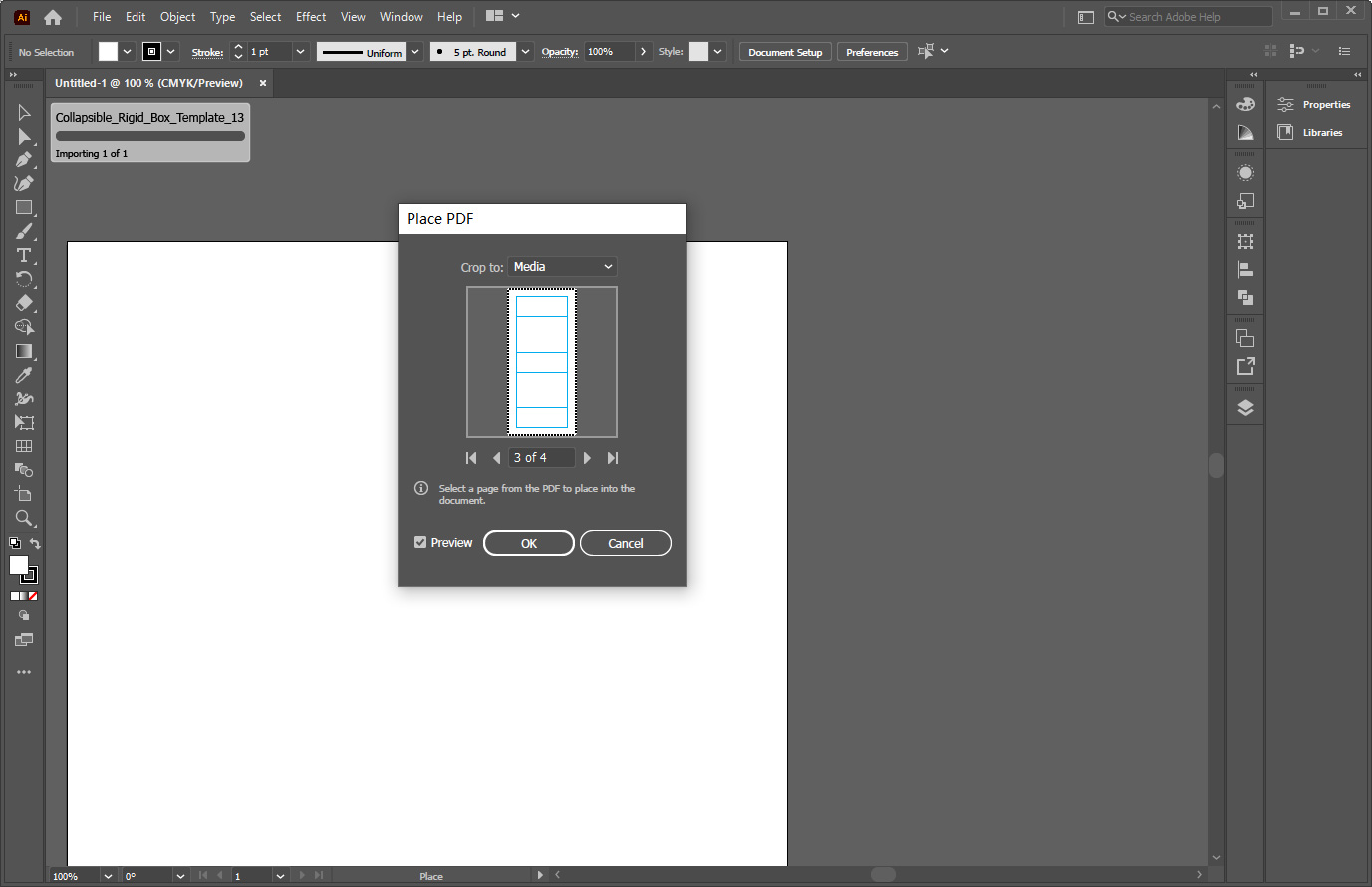
If you use Adobe Illustrator software, please place the template directly or open it using Illustrator
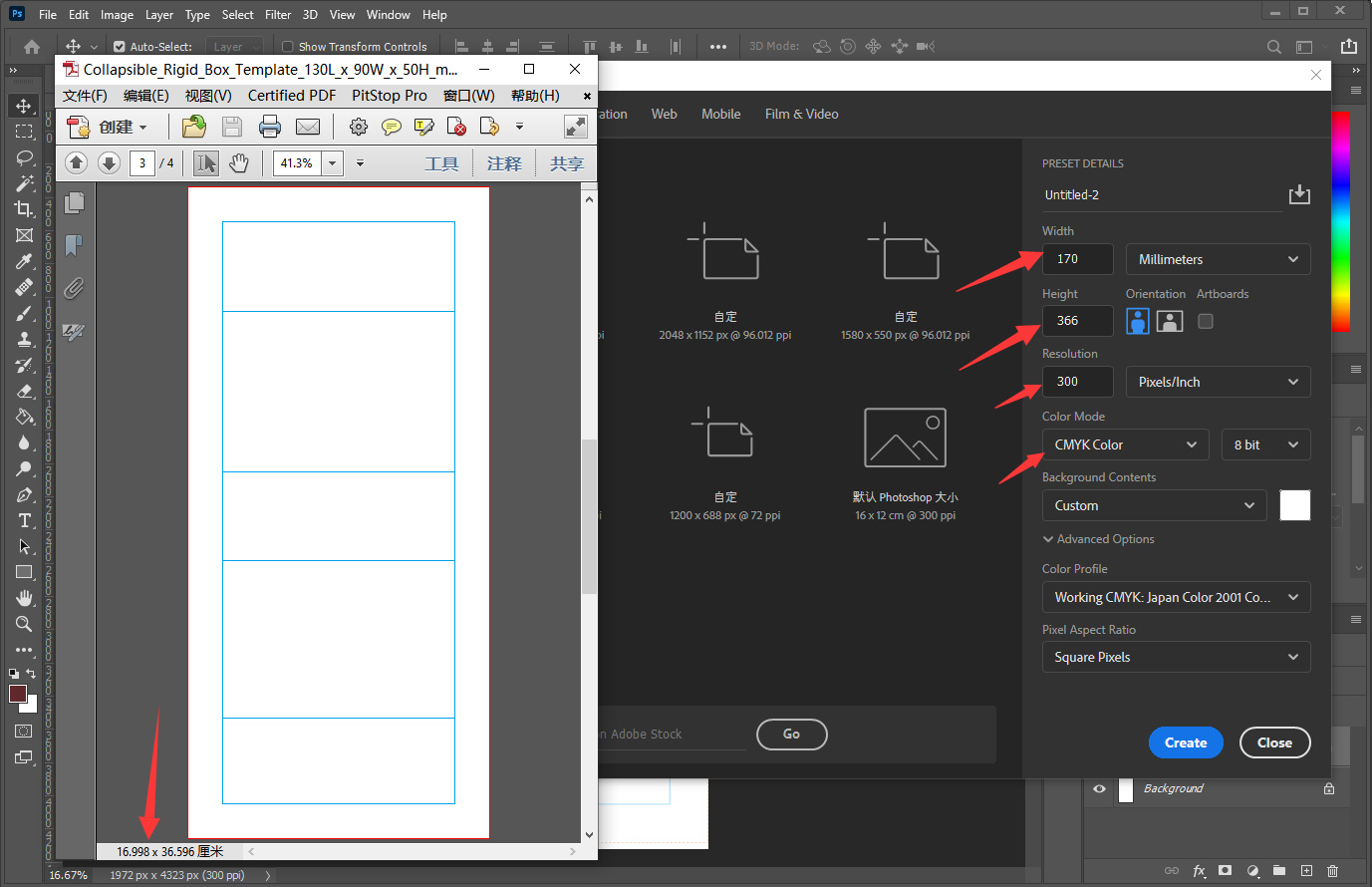
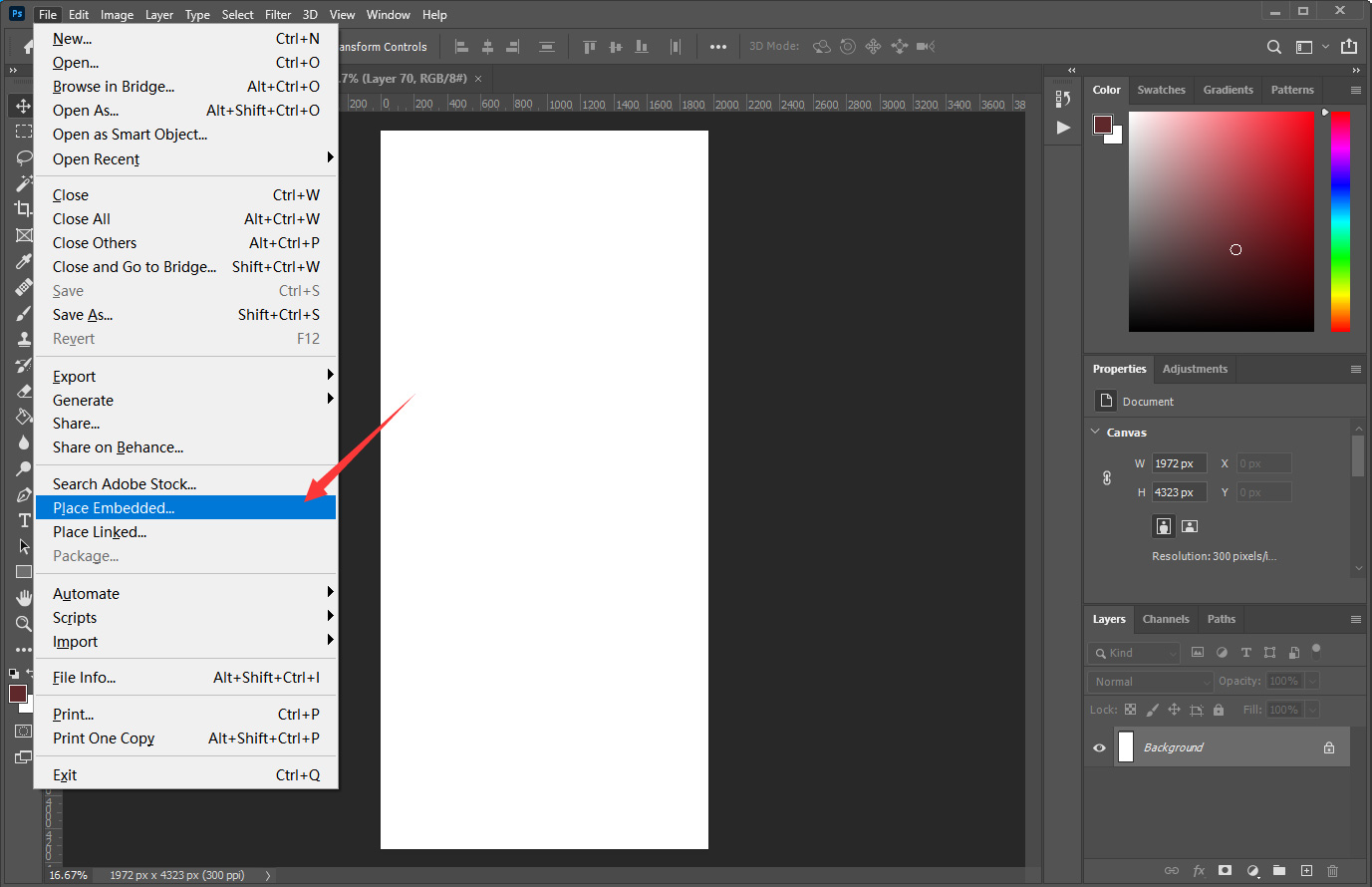
Other Tips
1. Do Not Scale
Never shrink or enlarge the template. The dieline is generated to your exact specific dimensions.
2. Layer Management
- Keep the Dieline on a separate top layer.
- Place your Artwork on a layer below the dieline.
- Expert Tip: You can hide the Dieline layer to check your design.
3. Hide or delete the templates when you’re done designing
Why Use a Dieline Generator vs. Standard Templates?
Standard box templates often come in fixed sizes that might not fit your specific product. If your product is slightly larger or smaller, resizing a standard template in Illustrator can ruin the structural integrity of the box.
Our Box Dieline Generator solves this problem by calculating the exact fold lines, bleed areas, and glue flaps based on your custom input. This ensures that when you download the box template, it is 100% ready for print production.
FAQ
Is this Box Dieline Generator suitable for beginners?
Yes! You don’t need to be a packaging engineer. Our dieline generator does the math for you, providing a clean box template.
Can I use these templates for commercial printing?
Absolutely. The box templates downloaded from our generator are professional-grade vector files, including proper bleed and safe zones for offset printing.
Is the dieline download really free?
Yes. You can generate and download custom box templates for free. If you decide to print with QinPrinting, using these dielines will also help speed up prepress and reduce the chance of errors.
What if I change my box size later?
Simply come back to this page, enter your new Length, Width, and Height, and download an updated template. It only takes a few seconds to create a new dieline.