Special pricing & support for crowdfunding creators
While the saying goes, “Never judge a book by its cover”, in reality the cover—especially a hardcover—often decides whether a...
Learn about the advantages of offset for publishing houses and small presses We’ve noticed something over the past few years....
One of the most important but less publicly-known aspects of book printing is the method used to bind the pages...
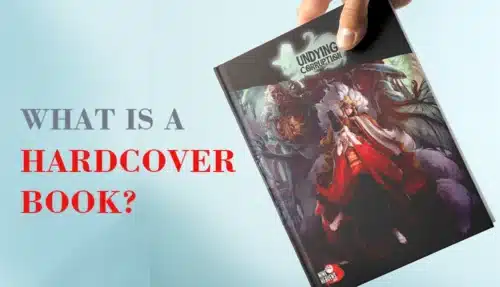
A hardcover book is a printed book with rigid protective covers made from thick grayboard wrapped in paper, cloth, or...
From children’s books to high-end art books, quality printing is a must when creating all types of hardcover books. Therefore,...
Thirty-five years of experience on a pressroom floor have taught me one truth: every great hardcover deserves an equally great...

 Book Printing in China
 Custom Card Decks
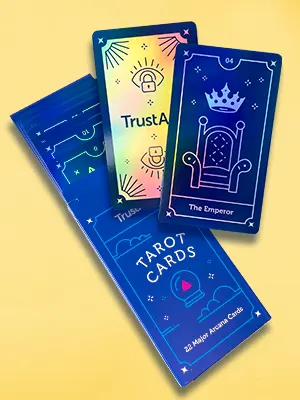 Custom Holographic Cards
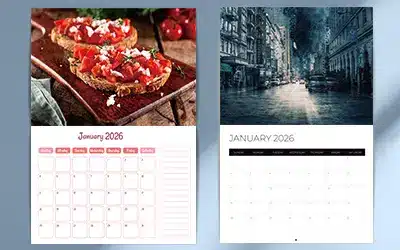 Free Wall Calendar Template
 Free Desk Calendar Template
 Folding Cartons
 Rigid Boxes
 Corrugated Boxes
 Custom Board Game
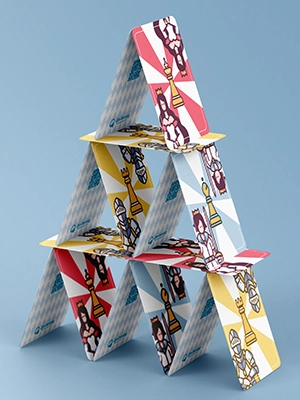 Custom Card Game
 Kickstarter Print Solutions